I was a lazy lady yesterday.
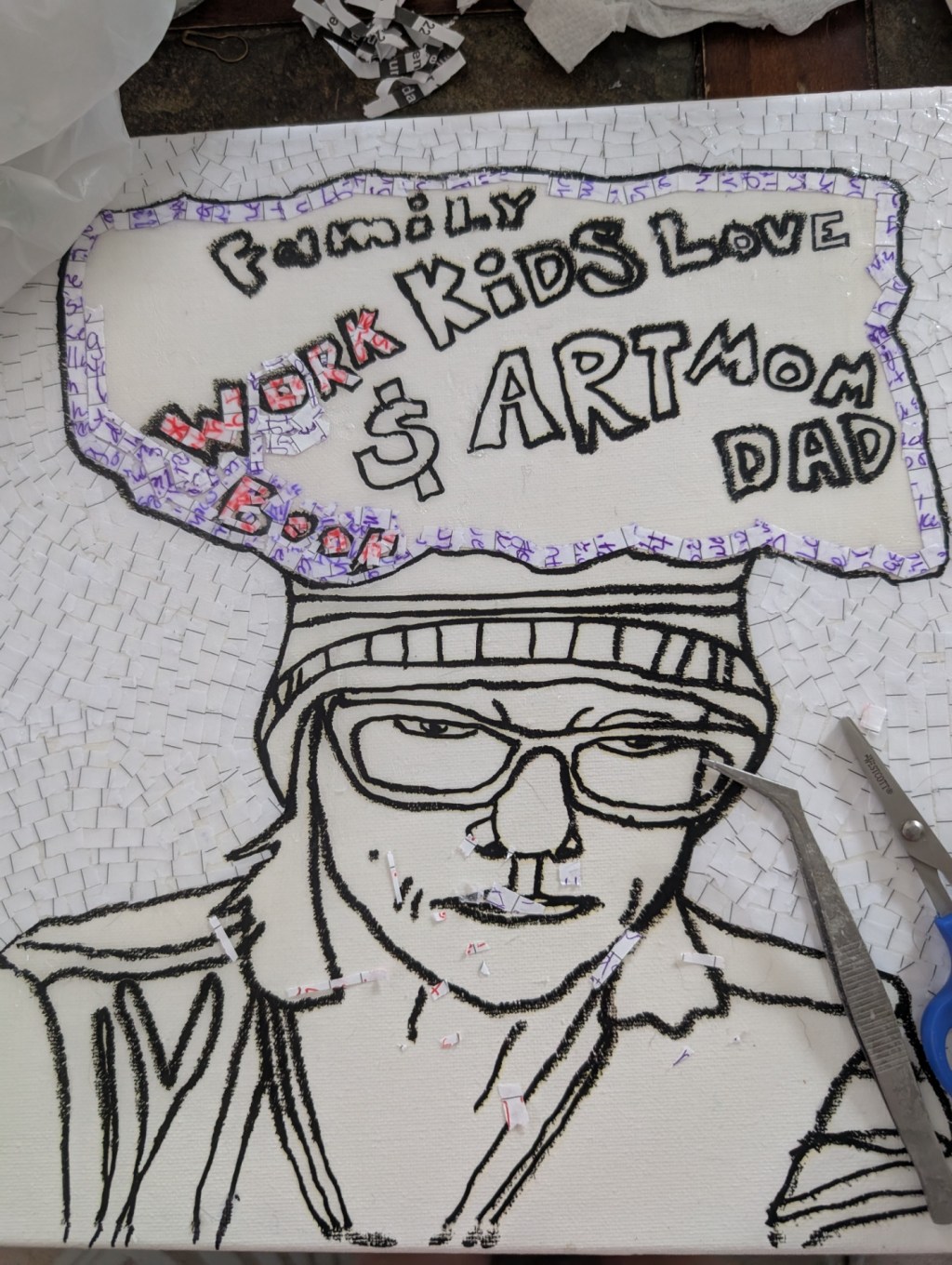
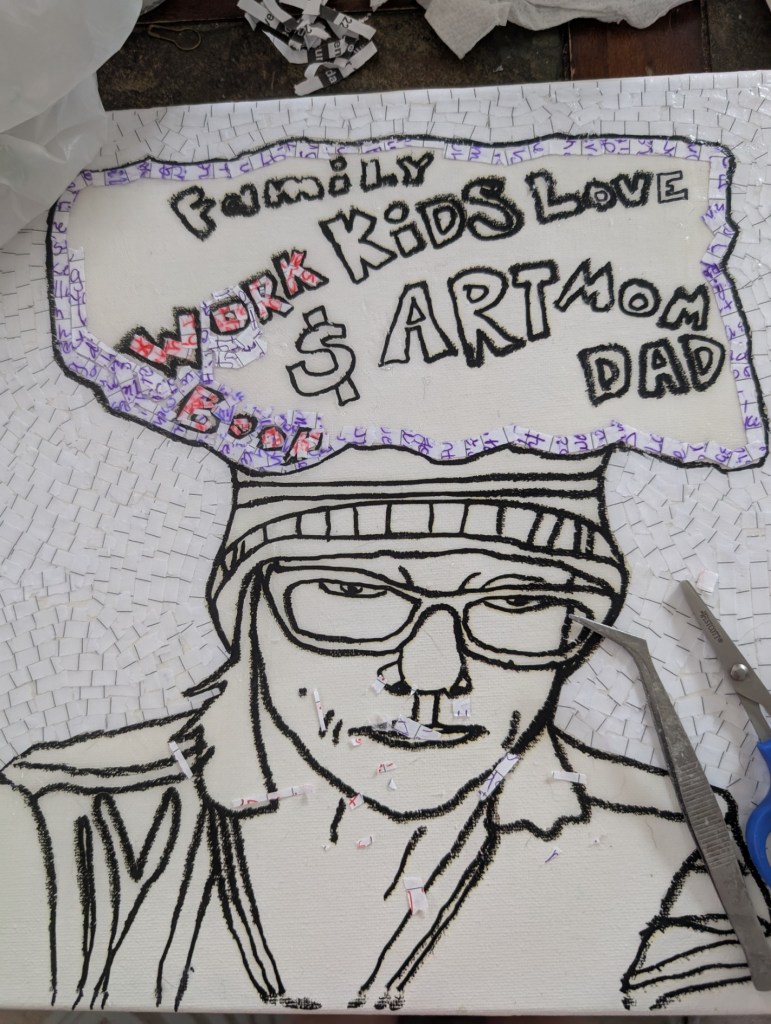
I started working on a drawing I made weeks ago. I traced a picture of myself then I put a bubble over it with all the things that were on my mind. I decided this drawing was one I wanted to make out of the paper shreds from my 2024 Journal.
I need a new way to transfer my drawings to canvas. I anyone knows of anything please tell me, because I am going crazy trying to figure out how to accomplish this feat.
I do have a lightbox, however my canvases are the pre-stretched kind, so there is that space in the back so when I use the lightbox it is not easy to see to trace because of that space and the drawing is so far away from the canvas. I’ve tried all the things to make this better such as making the lightbox light brighter and making the lines of the drawing darker. I also tried taping the drawing directly to the back of the canvas, but no tape will stick to the back.
So then I started thinking about my Cricut machine. I thought I could cut a stencil with the machine and then use that to transfer the drawing to the canvas. However there is no stencil setting, so I don’t know how to do this. I tried doing it with the material that you use to stick to an item the temporary vinyl, but I am clueless as to how to transfer this to something. I think when I try again I’ll say I’m making a card or something, I’ve just thought that now while I was writing.
I finally just decided to so an iron-on transfer, which worked but because of the hole in the back I was scared of ripping the canvas with the heat press and it took a long time for it to stick. When it finally did most of the out line pulled up with the canvas. Finally I put a towel behind the canvas in that hole and the iron -on transfer successfully transferred to the canvas.
I don’t want to do that every time though, and it would be a pain in the ass for larger pieces. So I just want to know how to use the Cricut machine to make stencils.
That’s all for me today, everyone have a great Sunday.
 Edna's art Journal
Leave a comment